1 - Project Setup
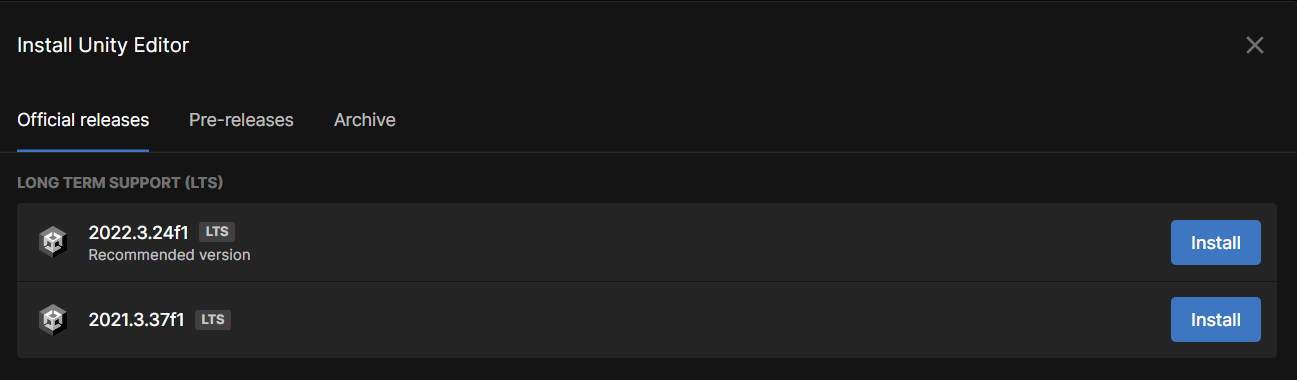
Step 1 - Unity Version
Make sure the version of Unity that you are using is 2021 or later.
Step 2 - Create a Blank Project
In this tutorial, we will choose 3D (Built-in).
Note: Render pipeline doesn't affect Netick whatsoever (unless you were using Netick samples which use built-in render pipeline).

Step 3 - Importing Netick
Go to Window > Package Manager > "+" Icon > Add package from git URL and fill it with https://github.com/NetickNetworking/NetickForUnity.git
Great, the project is now set, let's do some coding!